Construction Invoicing Software: 7 Features That Get You Paid
By the Partner team · November 24, 2026
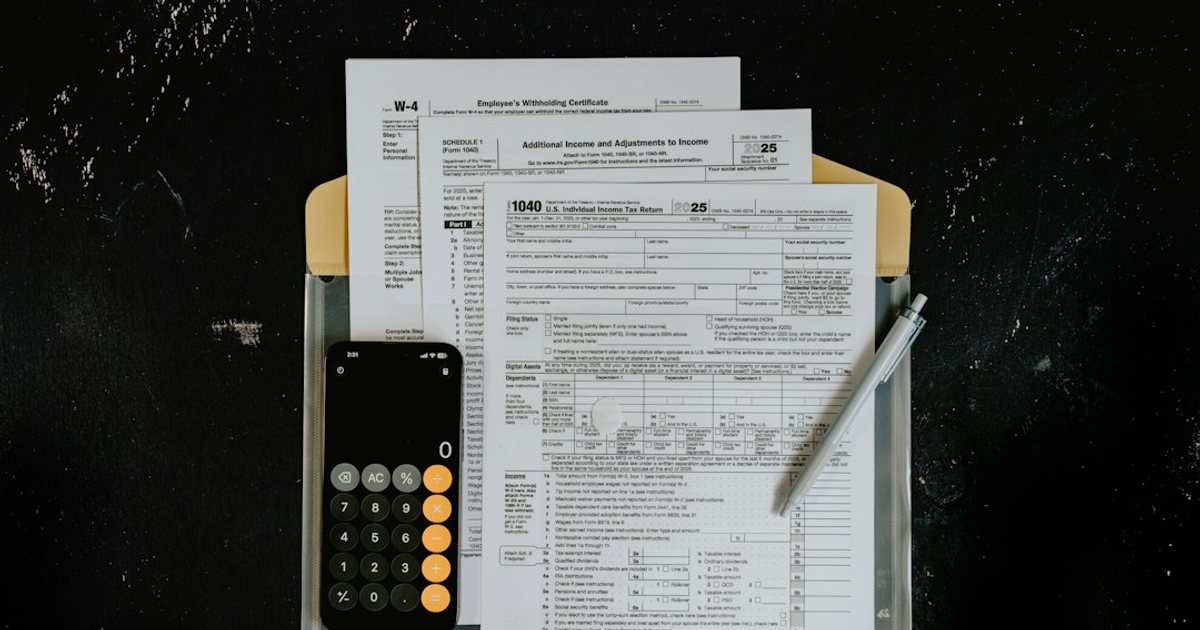
Photo by Kelly Sikkema on Unsplash
Construction invoicing software should do five jobs. It should turn an approved estimate into an invoice without retyping. It should handle deposits, progress billing and retainage. It should take payment online and follow up on late invoices for you. Partner is one option: an all-in-one operating app that keeps estimates, jobs, time clock, payroll and invoicing in one place, so each invoice is built from a job you already set up.
The rest of this post explains why invoicing is worth fixing. It also covers the seven features to check before you buy and the billing rules your software has to follow.
Why invoicing deserves its own software
Getting paid in construction is slow, and it is getting slower. Siteline's State of Subcontractor Billing in 2025 report found the average subcontractor waits 96 days from invoice to payment. In 2019 the wait was 90 days. Only five percent of subcontractors said they are always paid on time, and more than 75 percent pay vendor costs out of pocket while they wait.
Other surveys find shorter waits, but the problem is the same. Corpay summarizes Billd's 2025 National Subcontractor Market Report: subcontractors waited 56 days on average after a pay application. General contractors thought payment went out in about 30 days.
Software can't make a slow customer pay on day one. It can remove the delays that come from your own side:
- Invoices that go out a week late because the paperwork piled up.
- Math errors that get a pay app sent back.
- Invoices that are 30 days past due because nobody followed up.
What should construction invoicing software do?
These are the seven features that matter most for a small contractor or trade shop. Use this list when you sit through a demo.
- Invoices made from the estimate or job. Line items, prices and customer details should carry over. Retyping is where mistakes start.
- Deposit, progress and final invoices. You should be able to bill a deposit, then a percentage or milestone, then the balance. The software should keep track of what you've already billed.
- Retainage tracking. If you do commercial work, the software should hold back the retainage percentage on each bill. It should also show what is still owed at closeout.
- Change orders that go onto the bill. An approved change order should appear on the next invoice automatically. It shouldn't stay buried in an email thread.
- Online payment. A pay link on the invoice lets the customer pay by card or bank transfer the day they open it.
- Automatic reminders. Polite reminders go out before and after the due date without you having to remember them.
- A clear view of who owes what. You need a list of unpaid invoices by age, customer and job. It should also sync or export cleanly to your accounting system.
If you still use paper or spreadsheets, get a solid layout in place first. Our free contractor invoice template shows the fields every invoice should have. It also works as a checklist when you compare software.
Billing types your software has to handle
Deposits and the rules that limit them
Deposit rules vary by state, so your software should let you set the deposit to match the law instead of a fixed default. California is a strict example. The Contractors State License Board (CSLB) caps the down payment on a home improvement job at $1,000 or 10 percent of the contract price, whichever is less. Special-order materials are not an exception. CSLB also requires a written contract for home improvement projects over $500, and any changes to that contract must be in writing.
Check your own state's rules before you set a default deposit in any software.
Progress billing and AIA pay applications
Commercial jobs often bill on AIA forms. The G702 is a one-page summary of the payment request. The G703 behind it is the schedule of values, line by line. ARWorkflow's pay application guide says the G703 totals must match the G702 exactly, including total retainage. A mismatch often gets a pay app sent back, which restarts the clock on your payment.
If you submit pay apps, ask each vendor to show you a G702 and G703 created from a real job. If you only do residential work, you may not need this feature and shouldn't pay extra for it.
Retainage
Retainage is money held back from each progress payment until the work is finished. It is usually 5 to 10 percent, as Corpay explains. On the AIA G702, the total retainage goes on Line 9. The risk for a small contractor is forgetting it. If you don't track retainage job by job, it is easy to never bill it at closeout. Good software keeps a running retainage balance on every job.
Federal jobs and prompt payment
On federal construction contracts, payment timing is set by rule. According to Corpay's summary, a progress payment is due within 14 days after the agency office receives the payment request. A prime contractor must then pay each subcontractor within 7 days of being paid. Those clocks only start when a correct request arrives, so accurate, on-time invoices matter even more on federal work.
Does invoicing software actually speed up payment?
It can, mostly by removing delays on your side. Siteline reports that subcontractors using its billing platform get paid in 53 days on average. The industry average in its survey is 96 days. That figure comes from a vendor reporting on its own customers, so treat it as a sign of what's possible, not a promise.
For a small shop, the bigger gains usually come from habits the software helps you keep:
- Sending the invoice from your phone the day the work or milestone is done, not at the end of the month.
- Putting a pay link on every invoice so the customer doesn't have to mail a check.
- Letting reminders go out on schedule so follow-up doesn't depend on your memory.
- Billing approved change orders on the next invoice instead of at the end of the job.
For more on following up, see our guide on how to collect invoices faster.
All-in-one app or a standalone invoicing tool?
A standalone invoicing tool works if your estimates, schedules and timesheets already live in a tool that connects cleanly to it. For most small contractors, they don't. The estimate is in one app, hours are on paper, change orders are in texts, and the invoice gets built by hand in a fourth place.
When invoicing is in the same app as estimates, jobs and the time clock, the invoice pulls from the job record. You don't have to rebuild it from memory. That is the main argument for an all-in-one system. The trade-off is that one vendor runs more of your business. Test the whole process, from estimate to paid invoice, before you commit.
Questions to ask in any demo:
- Can I create an invoice from an approved estimate in under a minute?
- How does it handle a deposit, two progress bills and a final bill on one job?
- Does an approved change order show up on the next invoice?
- Can it track retainage and produce a G702 and G703 if I need them?
- Which reminders go out, and when? Can I change the wording?
- How does it connect to my accounting system?
How Partner handles the invoicing paperwork
Partner handles invoicing inside the same app where you already build estimates and run jobs, so the invoice starts from work you've already entered. Automatic invoice reminders follow up on unpaid invoices without you. The time clock, payroll and marketing are in the same app, so less paperwork has to move between tools at the end of the week. To see if it fits your shop, try Partner free at yourpartner.app.
Frequently asked questions
What is construction invoicing software?
It is software that creates and sends invoices for construction jobs and tracks payment. It handles deposits, progress bills, retainage and change orders. Good tools also take online payments and send reminders automatically.
How long do contractors wait to get paid?
It depends on the survey. Siteline's 2025 report put the average subcontractor wait at 96 days from invoice to payment. Billd's 2025 report found 56 days after a pay application.
Do I need AIA billing in my invoicing software?
Only if your customers require G702 and G703 pay applications, which is common on commercial work. Residential contractors usually don't need it.
How much deposit can I put on an invoice?
It depends on your state. In California, CSLB limits the down payment on a home improvement job to $1,000 or 10 percent of the contract price, whichever is less.
What is retainage on a construction invoice?
Retainage is money held back from each progress payment until the work is finished, usually 5 to 10 percent. Your software should track it on every job so it gets billed at closeout.
Drafted with AI and published by the Partner team.
Keep reading
- Can Contractors Automate Payment Followups?September 29, 2026
- Cash Flow Management for Contractors Who Want ProfitSeptember 27, 2026
- How to Collect Invoices Faster on Every JobSeptember 19, 2026