What a Construction Daily Log App Should Do
July 16, 2026
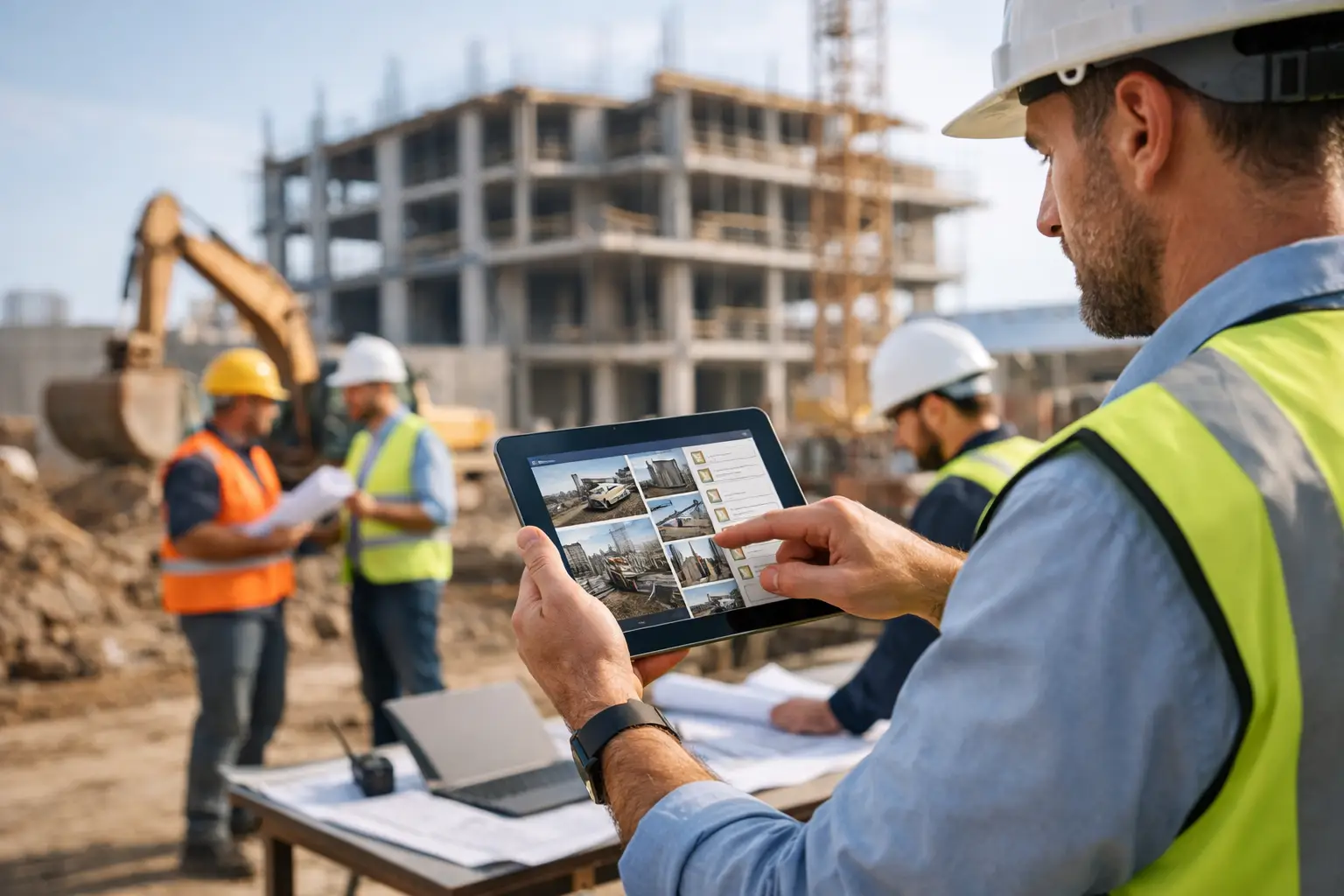
A construction daily log app should do more than replace a yellow legal pad. It should give the office a clear record of what happened on the job while the details are still fresh: who was there, what they worked on, what showed up, what did not, and what got in the way. When that record arrives days late, it is no longer a management tool. It is paperwork with limited value.
For contractors, daily logs sit at the intersection of production, communication, billing, job costing, and risk. A clean log can support a change order, explain a schedule slip, settle a dispute, or show why labor ran over. A weak log leaves the project manager reconstructing the day from text messages, memory, and a superintendent who has already moved on to the next fire.
A Construction Daily Log App Needs to Work in the Field
The best daily log is the one your superintendent, foreman, or lead tech will actually complete. That means the app has to be fast on a phone, organized around the job, and useful without making the crew write a novel at 5:30 p.m.
Start with the information that should be captured on nearly every active project: date, project location, weather, crew members, subcontractors on site, work completed, equipment used, deliveries, visitors, safety notes, delays, and photos. The goal is not to turn every day into a compliance exercise. The goal is to create a reliable operating record.
A field user should be able to select the project, confirm the crew, add a few notes, attach photos, and submit the report in minutes. If labor hours are already being tracked through geofenced clock-ins or timecards, the daily log should pull that information forward instead of asking someone to enter it again. Every duplicate entry creates another reason for the field team to skip the process.
Offline capability matters too. Roofs, basements, rural builds, and large commercial sites do not always offer dependable service. If a crew has to wait for a signal before saving photos or notes, the log will get delayed or lost. The app should capture the entry in the field and sync it when connectivity returns.
Record What Protects the Job, Not Just What Looks Complete
A daily report that says “framed second floor” may be technically true, but it does not explain much. Better records document the conditions around the work.
For example, a useful entry might state that a four-person framing crew worked from 7:00 a.m. to 3:30 p.m., completed exterior wall framing on the north elevation, and stopped for two hours because the engineered beam delivery arrived late. It may include photos of the completed framing, the delivery ticket, and a note that the electrician could not begin rough-in as scheduled.
That level of detail gives the project team something they can act on. It also creates a contemporaneous record if the owner questions a schedule extension, a subcontractor disputes responsibility, or the job needs a change order.
Photos are especially valuable when they are tied to the day and project automatically. They show existing conditions before demolition, concealed work before drywall, material damage at delivery, site access problems, safety concerns, and progress for clients who are not on site. The photo itself matters, but its context matters more. A folder full of unnamed images is not a daily log.
Weather belongs in the report for the same reason. It is not filler. Rain, extreme heat, wind, frozen ground, and poor visibility can affect safety, productivity, curing, inspections, and schedule. An app that captures local conditions automatically can save the field team time, but crews still need a place to note the actual site impact. A light rain at noon and a rainout are not the same thing.
Connect Daily Logs to Cost and Schedule Decisions
A daily log becomes far more valuable when it does not live in a separate app that nobody reviews. The office should be able to see the field record alongside the project schedule, budget, time entries, change orders, invoices, and client communication.
Consider a crew that logs repeated delays waiting on a customer-selected fixture. If those notes stay buried in a standalone report, the owner may never see the pattern until the schedule has already slipped. When the log is connected to the project, the project manager can respond sooner: notify the client, adjust sequencing, document the delay, and decide whether a change order or schedule extension is appropriate.
The same applies to labor. Daily reports should help explain not only how many hours were worked, but what those hours produced. If a crew spent 24 hours on a task budgeted for 12 because of access restrictions, rework, or missing materials, that is a job-costing conversation. It should not wait until the job is closed and the margin is gone.
This is where contractors need to be candid about trade-offs. A daily log app will not fix a bad estimate, a weak schedule, or a crew that has no clear scope. But it will expose where the plan and the field reality diverge. That is how an owner can correct course while there is still time to protect profit.
Give Each Role the Right View of the Daily Report
Field teams need speed. Project managers need detail. Owners need exceptions and trends. One generic report format rarely serves all three well.
A foreman may only need to confirm labor, select work activities, document blockers, and add photos. A project manager needs to compare those entries against scheduled tasks, open RFIs, pending submittals, delivery dates, and subcontractor commitments. An owner may want to see which jobs are reporting recurring delays, labor overruns, safety issues, or missing documentation.
That does not mean every person needs access to every financial number. Good permissions matter. A subcontractor may need to view the portion of a daily report that confirms site conditions and work coordination, while the office keeps internal labor costs and margin data restricted.
The system should also make reports easy to find later. Searchable logs by date, job, employee, weather event, keyword, or issue type are more useful than a stack of PDFs. When a client calls six months after project completion, you should be able to pull the relevant record without asking three people to search their phones.
Build the Habit Without Turning It Into Busywork
Daily documentation fails when it is treated as optional until there is a dispute. By then, the details are usually gone.
Make the process part of the closeout routine for every workday. The lead submits the report before leaving site. The project manager reviews exceptions the next morning. Delays, missing material, damage, safety events, client requests, and scope questions get assigned to someone who can act. That operating rhythm matters more than having a long checklist.
Keep required fields limited to what your business truly needs. If every log demands 30 fields, crews will enter vague answers just to get through it. Require the essentials, then use conditional fields for higher-risk situations. A delay entry, for example, can prompt for the cause, affected trade, estimated lost time, photos, and whether client notification is needed.
Training should be practical. Show crews how a good daily log helped recover a change order, document a delivery issue, or prove that a weather delay was real. People adopt a process faster when they understand that it protects their work and keeps the office from chasing them for answers at night.
What to Look for Before Choosing an App
A construction daily log app should fit the way your company already runs jobs, while removing the gaps that cost you time and money. Look for mobile-first reporting, photo and attachment support, offline entry, labor and time-tracking connections, project-specific templates, searchable records, permissions, and automated notifications for issues that need attention.
Just as important, look at what happens after the report is submitted. Can a daily note create a task? Can it support a change order? Can it be reviewed with the schedule and job costs? Can the office export a clean record when a lender, owner, insurer, or attorney requests documentation? If the answer is no, you may be buying another disconnected tool.
Partner approaches daily logs as part of the full job workflow, not an isolated form. Field documentation can sit alongside time tracking, schedules, client communication, invoices, job costing, and the financial reporting owners use to see whether a project is producing the margin they bid.
The right app does not ask your crew to become administrators. It gives them a faster way to report the truth from the field, so the office can make better decisions before a small issue turns into an expensive one.
Keep reading
- 7 Contractor Profitability Trends for 2026September 21, 2026
- How to Collect Invoices Faster on Every JobSeptember 19, 2026
- Why Are Construction Margins Shrinking Now?September 17, 2026