A contractor scheduling app built around the crew, not the calendar
A schedule is only right if it knows who is on what. Partner puts every job’s tasks and service visits on one board with each person’s workload beside it, so you see who is buried before you promise a date — and it reads the next three weeks back to you before they arrive.
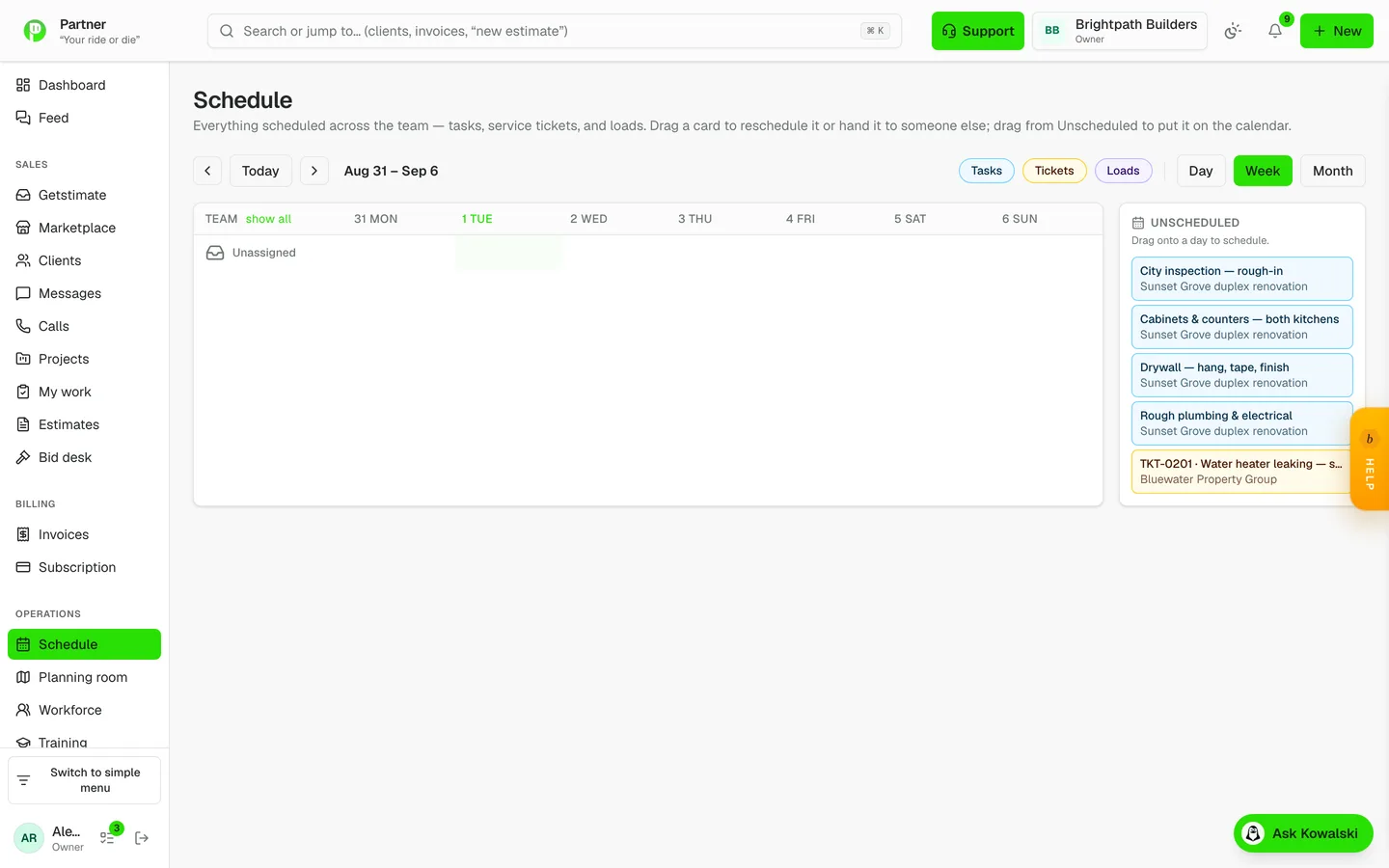
One schedule for everybody
Crews, visits and loads on a single calendar you can drag.
A cross-team calendar over tasks, site visits and deliveries, with a per-person workload strip so you can see who is buried before you promise a date. Drag to move, click a day cell to create.
- Tasks, visits and loads on one board
- Per-person workload at a glance
- Drag to reschedule, tap to create
- Subscribe from your phone calendar
How it runs on a job
- 1
Everything on one board
Tasks from every job and service visits sit on one calendar, with a row and a workload strip per person. Drag to move or reassign something; click a day to add one.
- 2
Three weeks ahead, across every job
The look-ahead lays out the next three weeks week by week — tasks, visits, purchase-order deliveries and approved time off for the crew on each job — from what is already scheduled. Nothing is guessed.
- 3
Someone calls out
Mark them out for today and each of their tasks shows who can cover it: same trade at their level or above, not off, holding the job’s credentials, least else on. One tap moves the task and tells them.
- 4
Clients book and get told
Turn on online booking and clients pick an open time from your live calendar; the visit lands on the schedule. They get a reminder the day before and an on-my-way message with a link to follow you in.
Questions contractors ask
Can my crew see the schedule on their phones?
Yes — in the app, and anyone can subscribe to the schedule from their phone’s own calendar with a private feed link.
Do subcontractors see their dates?
Yes. Subs open their own portal from a private link — no account — and see the schedule dates for their work.
Can clients book a visit online?
Yes, if you turn it on. They see only open times from your live calendar, and every booking is re-checked against the calendar at the moment it is made, so two people can’t take the same slot.
What does the look-ahead include?
What is already on the books for the next three weeks: tasks by their dates, service visits by their day, purchase-order deliveries by their expected date, and approved time off for the crew on each job.
Is it free?
Scheduling is in every plan, including the free one.