AI Estimating Trends Contractors Can Use Now
By the Partner team · October 21, 2026
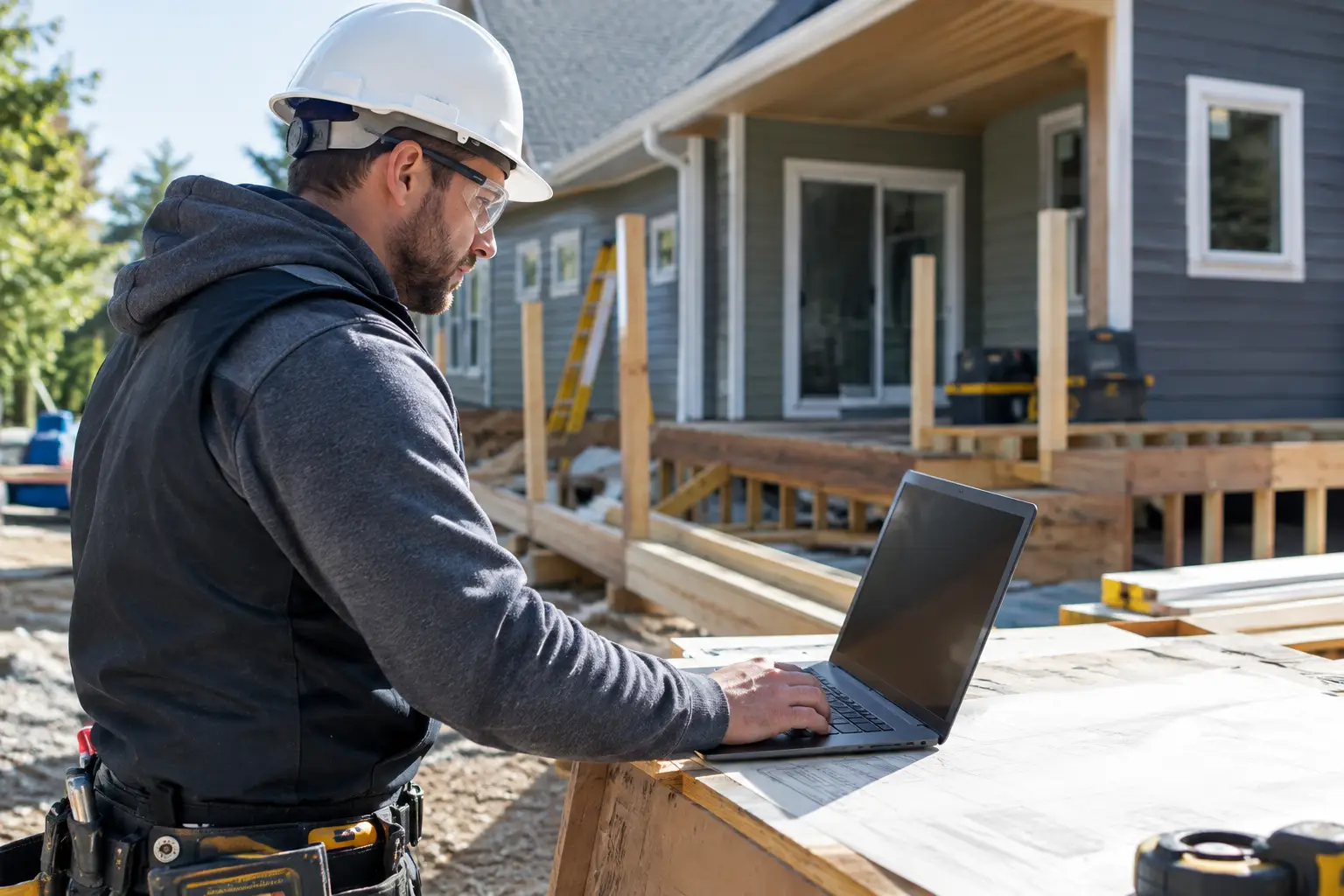
A good estimate still starts with walking the job, measuring the work, and knowing what your crew can produce. The useful AI estimating trends are not about letting a computer guess the price of a $40,000 remodel. They are about getting the paperwork done faster, catching missing scope before the proposal goes out, and pricing the job with the overhead your business is carrying right now.
For a small contractor, that matters because the estimate is where the whole job gets decided. If labor is short, materials are old, or an allowance is too loose, the crew spends weeks trying to make up for a bad number. Price to profit on the front end, not hope for it on the back end.
AI Estimating Trends That Matter on Real Jobs
The trend worth watching is AI moving into the work around estimating, not replacing the estimator. A remodeler still has to decide whether the existing framing is usable. An electrician still has to see the panel, the wire path, and the access problems. A roofer still has to account for steep pitch, rotten decking, and dump fees.
What AI can handle well is turning scattered job information into a usable starting point. That might mean converting a phone call and site notes into a scope outline, organizing photos by room, drafting an allowance description, or pulling repeated line items into an estimate template. Those tasks take time, and they are easy to rush when you are bidding jobs at night.
The second trend is better scope checking. AI can read the words in an estimate and flag places where the scope is thin. If a bathroom proposal includes tile labor but says nothing about waterproofing, demolition, disposal, or fixture installation, that is worth another look. It does not mean every flag is right. It means you get a second set of eyes before the client signs.
The third trend is using live business costs instead of a static markup sheet. Your office rent, vehicle payments, insurance, software, shop costs, and non-billable labor do not stay fixed all year. Neither does the number of jobs available to carry those costs. A markup that worked six months ago may not cover what it needs to cover now.
Faster Does Not Mean Automatic
A fast draft is valuable. An automatic final price is risky.
Say you are pricing a $40,000 kitchen remodel. You have a three-person crew, and you expect them to be on site for four weeks. The material allowance is $14,000. Subcontractor work for electrical and plumbing is $7,500. Your direct crew labor comes to $11,400 after you account for wages, labor burden, and expected hours.
A quick first pass puts direct costs at $32,900 before permits, disposal, small tools, or changes in material pricing. If AI turns your notes into that first estimate in a few minutes, good. But you still need to ask the questions that decide whether the number is real:
Is cabinet delivery included? Who is moving appliances? Is the floor patch included after the wall comes down? Does the electrician's number include the panel work if the existing service is full? Is there an allowance for the client changing the tile after ordering? What happens if the crew loses two days waiting on an inspection?
Those are not software questions. They are job questions. AI is helpful when it makes them harder to miss.
It also cannot know your production rate unless you give it good history. If your three-person crew normally completes demolition in two days but this house has plaster walls, occupied rooms, and no dumpster access, the old labor number is not enough. Adjust the production assumptions. Write the conditions into the proposal. If the unknown is significant, use an allowance or spell out what is excluded.
Estimates Are Becoming Connected to the Rest of the Job
One of the biggest changes is that estimating is no longer a one-time document. The estimate should feed the proposal, schedule, job budget, purchase plan, invoices, and job costing. When those pieces live in separate apps, someone ends up retyping the same scope five times. That creates mistakes before the job even starts.
A connected workflow lets the items you sold become the items you track. If the estimate includes 120 labor hours for framing, you can compare that budget to actual crew time while the work is still underway. If you carried a $3,000 tile allowance and the selected tile costs $3,800, the difference is visible before final billing.
This is where AI can be useful after the sale, too. It can help summarize daily notes, turn a client conversation into a change order draft, and point out when actual costs are running beyond the estimate. But it should not approve a change order, send an invoice, or make a promise to a client without a person reviewing it.
For example, a field note might say, "Opened wall and found damaged plumbing. Need to replace section before insulation." A useful AI tool can turn that into a clear draft change order with labor, material, and the reason for the work. The owner or office manager still needs to check the quantities, price the work, and get client approval before the crew proceeds.
AI Estimating Trends Put More Pressure on Your Cost Data
AI only works with what you give it. If your material catalog has prices from two years ago, if labor rates are guesses, or if every invoice gets coded to "miscellaneous," faster estimating will only produce faster bad estimates.
Start with the numbers you can control. Keep common labor tasks current. Review your usual material packages. Track what your subs actually charge. Separate direct job costs from company overhead. Then compare estimated labor and materials against actuals after the job closes.
Tax is another place where a clean setup matters. If your client invoice includes an 8.25% sales tax, that tax should be shown correctly rather than buried in a material number. The rule can vary based on the type of work, what you sell, and your state. Check state law and a qualified tax professional for the rule that applies to your business.
The same care applies to allowances. AI can draft plain-language allowance terms, but it cannot decide what amount is reasonable for your market or your client. A $2,500 appliance allowance may be enough for one project and nowhere close for another. State the allowance, explain what it covers, and describe how an overage or credit will be handled.
Where Contractor-Owned AI Makes Sense
The right use of AI removes desk work that steals time from selling and running jobs. It should help you turn rough notes into a clean estimate, find missing scope, standardize proposal language, and learn from completed jobs. It should not make you feel less responsible for the number you put in front of a client.
That is also why overhead needs attention. Many contractors set a markup once, then keep using it while fuel, insurance, payroll, and office costs change. Partner's Proactively Adjusted Overhead approach is built around calculating overhead from live operating costs and sales data, so the estimate starts with a number tied to the business you are running now rather than a stale percentage.
There is a trade-off. More connected data requires better habits. The crew has to clock time to the right job. Receipts need to be captured. Change orders need to be approved, not discussed only by text. The office needs to close out completed jobs and compare the estimate with what happened. Those habits take effort, but they turn estimating from a guess into a repeatable process.
A Simple Way to Start
Do not rebuild every estimate in one week. Pick one job type you price often, such as a deck, service-panel upgrade, roof replacement, or hall bathroom. Clean up the scope template. Add the line items you repeatedly forget. Review the labor hours from the last three similar jobs. Then use AI to draft from that structure, not from a blank page.
Before sending the proposal, take five minutes for a final human check: scope, quantities, labor, subcontractor numbers, allowances, exclusions, overhead, payment schedule, and tax treatment. That check is still cheaper than explaining a missing item after demolition starts.
The contractors who get the most from AI will not be the ones who hand their pricing over to it. They will be the ones who use it to spend less time chasing paperwork and more time looking closely at the work, the costs, and the job they are about to promise.
Drafted with AI and published by the Partner team.
Keep reading
- Estimating Software Tools That Protect MarginOctober 5, 2026
- Best Construction Estimating Tools for ProfitAugust 14, 2026
- Construction Estimating Software Reviews That MatterAugust 2, 2026