Job costing that tells you while there’s still time to fix it
Most contractors find out what a job made after it’s over. Partner keeps the sold price, the change orders and every cost that lands on the job in one place, so the margin you see is the margin as of this morning — not as of the estimate.
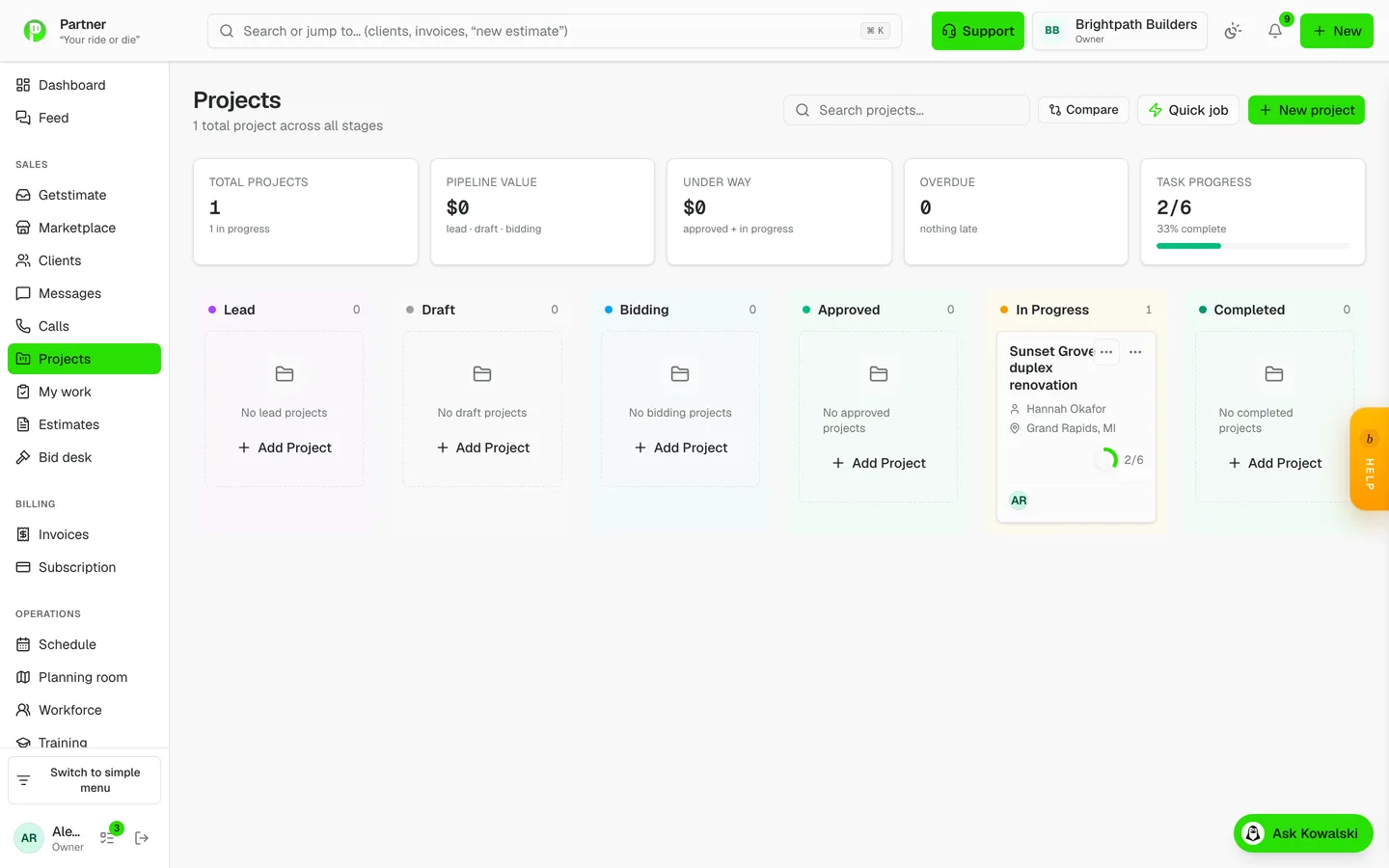
Projects, tasks and job costing
One place that knows what a job was worth and what it actually cost.
Every job carries its tasks, its schedule, its costs and its conversation. Purchase orders, bills and expenses post into job costing as they happen, so the margin you see is the margin as of this morning rather than as of the estimate.
- Tasks with hours, assignments and dependencies
- Costs rolled from POs, bills, expenses and labor
- Budget vs actual with cost-code composition
- Approved change orders adjust the baseline
Nineteen reports that answer real questions
Profit, cash, aging and pipeline — without exporting anything.
Profitability, cash flow, labor trends and labor efficiency, profit by trade, lead funnel, client satisfaction, team utilization, service SLA, A/R and A/P aging, profit and loss, collections, sales and commissions, pipeline trends, portfolio health, job costing, cost by code, and WIP with over- and under-billing. Every one of them reads your live data — nothing to export first.
- P&L waterfall with monthly columns
- WIP: percent complete versus billed to date, with lag flags
- Job costing budget-versus-actual by cost code
- Pipeline funnel and win rate
How it runs on a job
- 1
The approved estimate becomes the budget
Its cost becomes the job’s budget and its work lines become the tasks; approved change orders adjust the baseline.
- 2
Costs post as they happen
Purchase orders, bills and expenses post to the job when they’re entered, and labor comes from the time clock at each person’s rate.
- 3
Budget against actual, by cost code
See where a job stands against its budget, line by line and by cost code, while the work is still going.
- 4
Across every job
The job-costing and work-in-progress reports show every active job’s margin and whether it is over- or under-billed.
Questions contractors ask
Where does the labor cost come from?
From the hours on the time clock and timesheets, at each person’s rate — the same hours that price payroll.
Do change orders update the budget?
Yes. An approved change order adjusts the job’s baseline, so the margin is measured against what the client actually agreed to.
Is there a WIP report?
Yes — work in progress, with each job’s contract, cost to date, percent complete, earned revenue and over- or under-billing.
Can I see this without switching software first?
Run the free labor check on a timesheet export from the system you use now. It shows what your labor really cost — forgotten punch-outs and all — in your browser, with no account.
Free labor check
Drop in a timesheet export from any system and see what your labor really cost — forgotten punch-outs and all. Runs in your browser; the file never leaves your computer.
Check my labor costs