QuickBooks Versus Contractor Software for Contractors
September 9, 2026
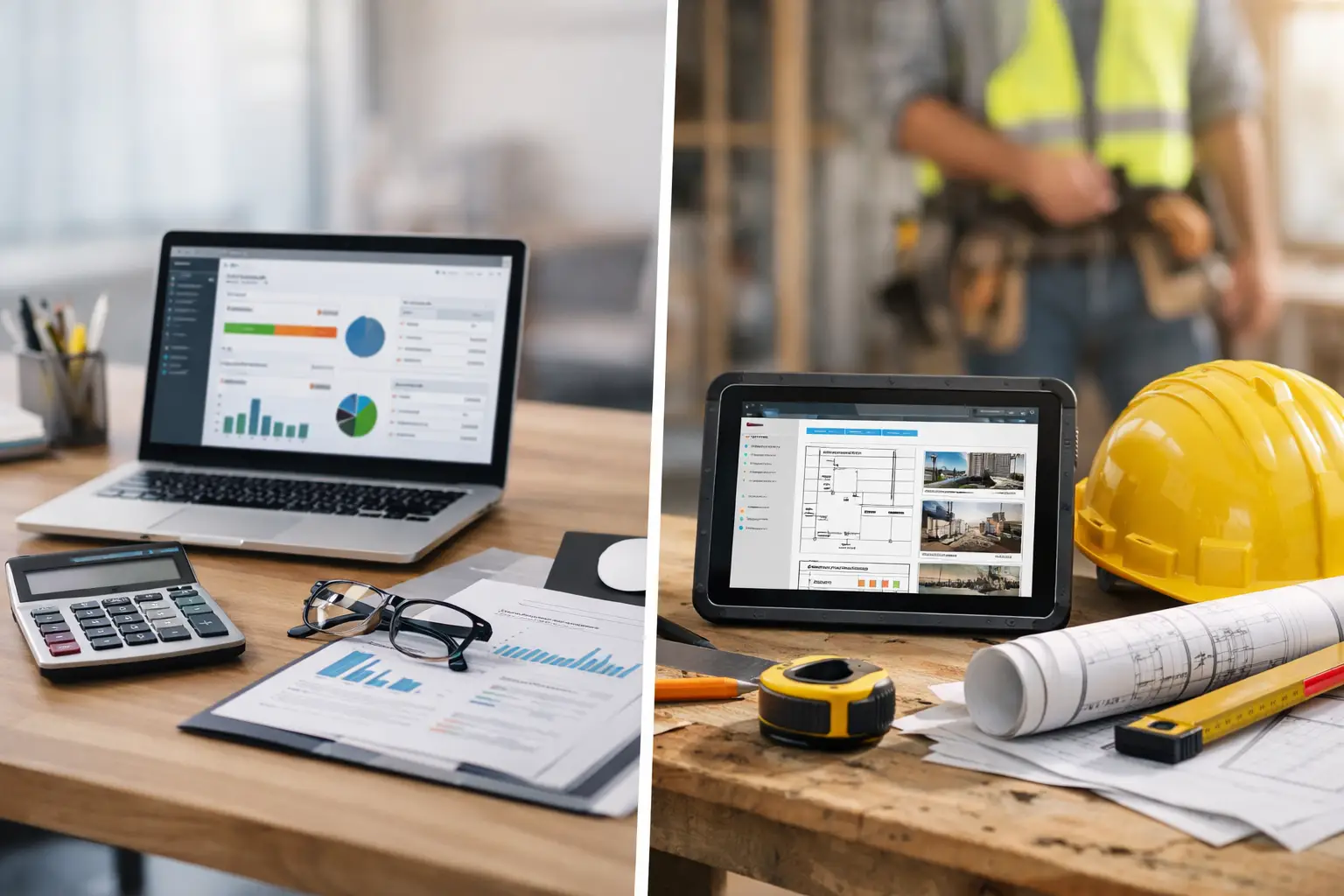
A job can look profitable when the estimate is signed and still drain cash for months. Labor runs long, materials creep up, change orders sit in text messages, and nobody sees the real margin until the books are reconciled after the fact. That is the real question behind QuickBooks versus contractor software: do you need a better place to record what happened, or a better way to control what happens next?
QuickBooks has earned its place in many contracting businesses. It is familiar, capable accounting software, and often the system your bookkeeper, CPA, or lender expects to see. But accounting is only one part of running a job. Contractors also need to win work, build accurate estimates, schedule crews, document field activity, manage changes, track costs, invoice quickly, and protect the margin they sold.
The right answer is not always replacing one system with another. It is understanding where each tool belongs and where a gap between the office and the field is costing you money.
QuickBooks Versus Contractor Software: Start With the Job
QuickBooks is built to organize financial records. It handles general ledger accounting, accounts payable and receivable, bank reconciliation, expense categorization, financial statements, and tax-ready reporting. Those are critical responsibilities. A contractor without clean books is operating without a reliable view of cash, liabilities, and overall financial health.
Contractor software is built around the work that creates those financial records. It starts earlier, often when a lead calls or submits an inquiry. It follows the job through estimating, proposals, scheduling, crew time, purchase orders, client communication, field photos, daily logs, change orders, progress billing, and closeout.
That distinction matters because a ledger entry cannot fix a bad bid. If your estimator used an outdated labor rate, forgot a permit allowance, or priced overhead from a number set last year, QuickBooks will accurately record the loss. It will not stop you from selling the next job at the same weak margin.
Think of QuickBooks as the financial record of the business. Contractor software is the operating system for the business. One tells you what the money did. The other helps your team decide what to do before the money is committed.
Where QuickBooks Does the Job Well
For a small contractor with a low job volume, straightforward billing, and a strong outside bookkeeper, QuickBooks may cover more ground than people give it credit for. If you are sending a handful of invoices each month, tracking basic expenses, and working from a simple schedule, adding a large operations platform too early can create more process than the business needs.
QuickBooks is particularly useful for formal accounting work: reconciling bank and credit card activity, managing vendor bills, paying subcontractors, preparing tax information, and producing profit-and-loss and balance-sheet reports. It also gives your accountant a common place to work without asking them to learn every detail of your field workflow.
Some contractors can also use classes, customers, projects, and items to create a workable job-costing structure. The challenge is discipline. Someone has to assign every cost correctly, every time. If receipts wait in truck consoles, timecards arrive late, or material purchases are coded to a general expense account, the job-cost report becomes a cleanup project instead of a management tool.
QuickBooks is not a bad choice because it is accounting software. It becomes a limiting choice when owners expect it to run the entire operation without surrounding processes that keep job information current.
Where Accounting Software Starts to Break Down
The strain usually shows up between the signed contract and the final invoice. A superintendent changes the schedule in a group text. A homeowner approves extra work verbally. A crew member writes hours on paper. Material is bought at a supply house, but nobody ties it to the correct cost code until weeks later. The office is then forced to reconstruct the job from scattered notes, calls, photos, and memory.
That reconstruction costs more than admin time. It delays billing, makes job-cost reports stale, and leaves owners making decisions with old numbers. By the time an accounting system shows that a job is over budget, the labor has already been spent.
Generic accounting workflows also tend to struggle with contractor-specific work such as detailed estimates, alternates, allowance tracking, schedule dependencies, daily logs, RFIs, submittals, certificate-of-insurance expirations, and change-order approvals. You can bolt on spreadsheets and separate apps, but each handoff creates another chance for a number to be entered twice or missed entirely.
A stack of disconnected tools can appear inexpensive at first. Then you count the cost of duplicate data entry, missed follow-ups, subscription overlap, training, and the owner’s evenings spent figuring out what actually happened on a job.
What Contractor Software Should Add
Good contractor software connects the financial side of a job to the work happening in the field. The point is not to collect more data. The point is to make the data useful while the crew can still act on it.
Win work with a consistent process
Estimating should pull from repeatable cost structures, labor assumptions, supplier pricing, and markup rules instead of starting from a blank spreadsheet every time. Proposals should be easy for clients to understand and approve, while giving your team a clean handoff into production.
This is also where overhead becomes a profit issue. Many contractors use a static overhead percentage based on an old annual budget. That approach can hide margin erosion when payroll, insurance, fuel, rent, lead costs, or sales volume changes. Your quote may carry the right markup on paper and still fail to recover the true cost of keeping the business open.
A system such as Partner uses Proactively Adjusted Overhead to calculate current overhead from live operating costs and sales data. The practical benefit is simple: price to profit on the front end, not hope for it on the back end.
Run jobs from one current version of the plan
Once work is sold, the office needs a schedule that crews can follow and managers can adjust. The field needs access to work orders, plans, photos, client notes, tasks, and updates without calling the office for every detail. Geofenced clock-ins, daily logs, photo documentation, and documented change requests give the office a clearer view of progress without turning foremen into full-time administrators.
That shared visibility is especially valuable when several jobs are moving at once. If one delayed inspection shifts a crew, the schedule should help the team see downstream conflicts before another job loses its start date. If a client request becomes extra work, it should move through approval and into the job budget rather than living in a text thread no one can find later.
Get paid while the work is still fresh
Contractors do not improve cash flow by simply sending more invoices. They improve it by billing the right amount at the right time, with supporting documentation already attached. When progress, approved changes, stored materials, and completed milestones are visible in the same job record, the billing process becomes faster and easier to defend.
Payment collection also works better when the client has a clear proposal, invoice, and approval history. You spend less time arguing over what was authorized and less time asking the office to rebuild the paper trail.
See job costs before the damage is final
True job costing depends on timely labor, material, subcontractor, equipment, and overhead data. Contractor software should make it easier to capture those costs at the source and compare actual performance against the estimate as the job moves forward.
That does not mean every owner needs to stare at dashboards all day. It means the system should flag the work that needs attention: a labor budget burning too fast, an unapproved change, a crew scheduled beyond capacity, a subcontractor whose insurance has expired, or a project whose billing is behind production.
Do You Need Both?
For many established contractors, the answer is yes. Contractor software runs the customer and job workflow, while QuickBooks remains the accounting system of record. When the systems are synchronized correctly, you avoid forcing field teams to work inside accounting screens while still giving your financial team dependable books.
The integration details matter. Ask what transfers, when it transfers, and who owns the cleanup when a record does not match. Customers, invoices, payments, expenses, labor, and job-cost categories all need clear rules. A connection that merely moves data is not enough if your team still has to export spreadsheets to understand job performance.
Some very small businesses may be fine with QuickBooks plus a disciplined estimating and scheduling process for now. Larger shops, growing remodelers, multi-crew service businesses, and commercial contractors usually reach a point where disconnected tools create more risk than they save. The trigger is not a specific revenue number. It is operational complexity: more jobs, more people, more handoffs, and more ways for margin to disappear unnoticed.
Choose Based on the Problems You Need to Solve
Before buying anything, look at the last three jobs that made you uneasy. Did the estimate miss labor? Did the schedule fall apart? Did a change order go undocumented? Did the invoice go out late? Did you learn the job lost money only after closeout? Your answer points to the system gap.
If the issue is financial reporting and bookkeeping discipline, strengthen QuickBooks and your accounting process. If the issue begins in estimating, sales follow-up, field communication, scheduling, time capture, or live job costing, contractor software deserves a serious look.
The best system is not the one with the longest feature list. It is the one your estimator, project manager, crew lead, and bookkeeper can use to keep a job moving without recreating the same information four different ways. Start with the work that is leaking time or margin right now, then build a process that makes the next job easier to run than the last.
Keep reading
- 7 Contractor Profitability Trends for 2026September 21, 2026
- How to Collect Invoices Faster on Every JobSeptember 19, 2026
- Why Are Construction Margins Shrinking Now?September 17, 2026