Contractor Platform Versus Separate Apps: Which Pays?
August 28, 2026
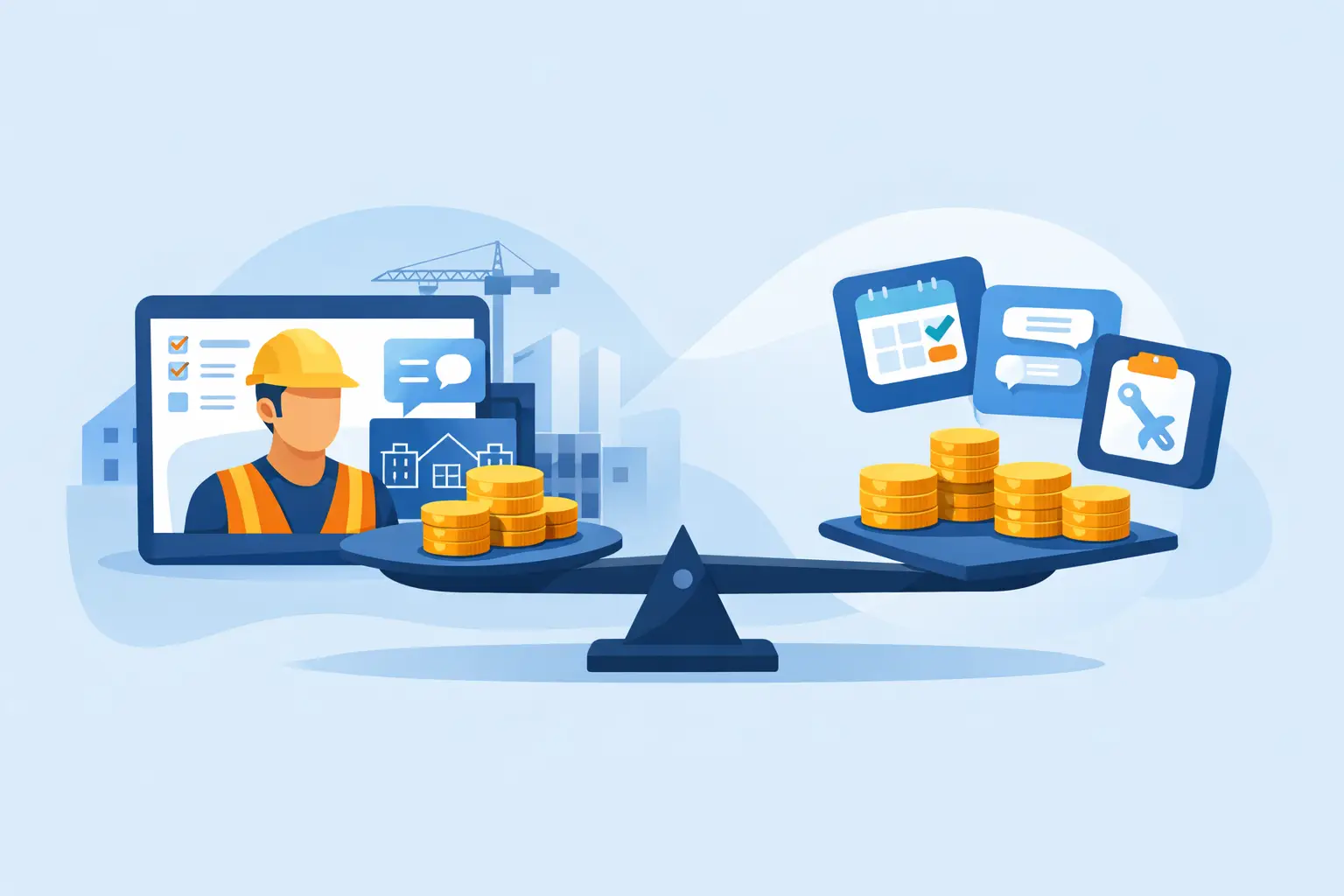
At 6:30 p.m., a job should be winding down. Instead, someone is copying field notes into a project app, checking hours in a time-tracking app, updating a spreadsheet for job costs, and trying to remember whether the client received the revised proposal. The contractor platform versus separate apps decision shows up in those extra hours - and later, in the margin you thought you had.
Separate apps can look inexpensive and flexible when you buy them one at a time. But a contracting business does not run one task at a time. It runs a chain: inquiry, site visit, estimate, proposal, schedule, crew coordination, change order, invoice, payment, and closeout. When the information breaks between those steps, the office spends its time reconnecting it by hand.
This Is an Operations Decision, Not an App Decision
A separate app may do one job extremely well. A dedicated photo tool can organize site images. A scheduling app can show crews on a calendar. Accounting software can handle the books. The problem begins when each system becomes its own version of the truth.
The estimator may have one contract value. The project manager may be working from another. The field crew may not see the approved scope change, and accounting may invoice from an old number. None of those people are careless. The workflow gave them too many places to look.
That is why the real comparison is not features against features. It is whether your workflow carries the same job information forward without requiring someone to re-enter it, export it, text it, or chase it down. A platform should reduce handoffs, not just put more tools under one login.
Where Separate Apps Usually Start Costing You
The first cost is rarely the subscription bill. It is the small administrative work nobody budgets for: duplicate entry, logins, training, exports, corrections, and the calls required to answer basic job questions. Five minutes here and ten minutes there can become an owner working weekends to get clean numbers.
Estimates lose their connection to the work
An estimate should set up the job for success. It should carry labor assumptions, material allowances, scope details, exclusions, payment terms, and expected margin into production. With separate apps, that often means rebuilding the estimate as a budget, then rebuilding pieces of it again as a schedule, purchase list, invoice, or change order.
Every rebuild creates room for drift. A line item gets missed. A crew is scheduled before materials are available. A change order is discussed in the field but never priced and approved. The job can stay busy while its margin quietly disappears.
Field documentation gets trapped in the field
Crews need simple tools they can use between tasks, not another office process forced onto a phone. They need to clock in, attach photos, record daily progress, flag an issue, and find the current plans or scope. The office needs that information tied to the correct job, date, and cost category.
When photos live in one app, time lives in another, and RFIs or client messages live in a third, the project record is scattered. That makes it harder to defend a change, answer a client question, manage a warranty issue, or understand why a job ran long.
Cash flow depends on someone remembering the next step
A completed milestone should trigger an invoice conversation, not a search through emails and calendars. Yet many contractors still rely on a person noticing that work is done, finding the right billing amount, creating an invoice somewhere else, and following up separately when payment is late.
Connected workflows make payment collection part of job execution. The approved proposal, change orders, billed-to-date amount, and payment status should be visible in the same operating picture. That does not eliminate collections work, but it removes the avoidable uncertainty that slows it down.
Job costing arrives after the lesson is too late
A clean profit and loss statement matters, but it is not enough to run jobs in real time. By the time an expense is coded, exported, reconciled, and reviewed at month-end, the crew may already have burned through the labor budget.
A useful operating system connects estimated costs, time, purchases, invoices, and committed costs to the job as they happen. That gives owners a chance to ask better questions while the work can still be corrected: Are we over on labor? Did the material allowance move? Is this change order approved? Is the remaining budget still realistic?
What a Connected Contractor Platform Must Prove
Calling software "all-in-one" does not automatically make it useful. Some products simply place disconnected modules behind one dashboard. Before consolidating, test whether the system actually preserves the job record from one department to the next.
A strong contractor platform starts with a single client, project, and financial record. A lead becomes an opportunity. The opportunity becomes an estimate and proposal. Once won, that scope informs the schedule, budget, documents, field activity, invoicing, and reporting. The team should not have to recreate the job at every stage.
It also needs to work for the way contractors price work. Static overhead rates can look safe until insurance, office payroll, vehicles, software, rent, and sales volume change. If your overhead assumptions are stale, you can win profitable-looking work that does not actually carry its share of the business. Partner's Proactively Adjusted Overhead methodology is built around that reality: price to profit on the front end, not hope for it on the back end.
Finally, the platform needs practical adoption tools. Mobile field access, role-based permissions, client communication, subcontractor tracking, geofenced time entries where appropriate, and accounting synchronization all matter because people need to use the system without slowing down the job.
When Separate Apps Can Still Make Sense
There are situations where separate apps are reasonable. A newer contractor with a narrow service offering may only need basic estimating, invoicing, and a shared calendar. A company may also keep a specialized tool for a capability that is genuinely unique to its trade, such as advanced takeoff, equipment telemetry, or design work.
The issue is not purity. You do not get a prize for having one system if that system cannot support the way you sell and build. The question is whether each additional app has a clear owner, a defined data handoff, and a measurable payoff.
If the handoff depends on a person downloading a CSV file every Friday, copying notes between screens, or remembering to update two places, it is not a reliable process. It is a future cleanup job.
How to Choose Between a Contractor Platform and Separate Apps
Start with the work that causes the most friction, not with a feature checklist. Trace one real job from the first call to final payment. Watch where information is entered twice, where people wait for an answer, and where numbers change without everyone seeing the update.
Ask these questions before you add another app or move to a platform:
- Can an approved estimate become the job budget, schedule, and billing plan without re-entry?
- Can field time, photos, daily logs, and issues reach the office in the context of the right job?
- Can you see committed costs and labor performance before the job closes?
- Can a client approve a change and receive the related invoice without a manual relay race?
- Can you export your data and keep accounting records accurate if you ever change systems?
Then put a dollar value on the current friction. Count office hours spent reconciling applications, unpaid change orders, delayed invoices, missed follow-ups, and jobs where the final cost surprised you. The monthly price of software is visible. The cost of disconnected work often is not.
Consolidate the Workflow Without Recreating the Mess
A rushed software switch can create the same confusion you are trying to remove. Do not try to rebuild every historical job on day one. Start by cleaning active customers, active projects, cost codes, price lists, and the templates your team uses repeatedly. Decide which system owns accounting records and which information must sync.
Roll out the workflow in the order the business uses it: win work, run jobs, get paid, and track the financial result. Train office staff and field leaders on the few actions they perform every day before layering on advanced reporting or automation. Adoption improves when crews can see that a daily log or time entry saves them a follow-up call later.
The right system should make a busy Friday less dependent on memory. When the estimate, crew activity, costs, client approvals, and invoice all tell the same story, you spend less time assembling the facts and more time making profitable decisions from them.
Keep reading
- 7 Contractor Profitability Trends for 2026September 21, 2026
- How to Collect Invoices Faster on Every JobSeptember 19, 2026
- Why Are Construction Margins Shrinking Now?September 17, 2026